Queries
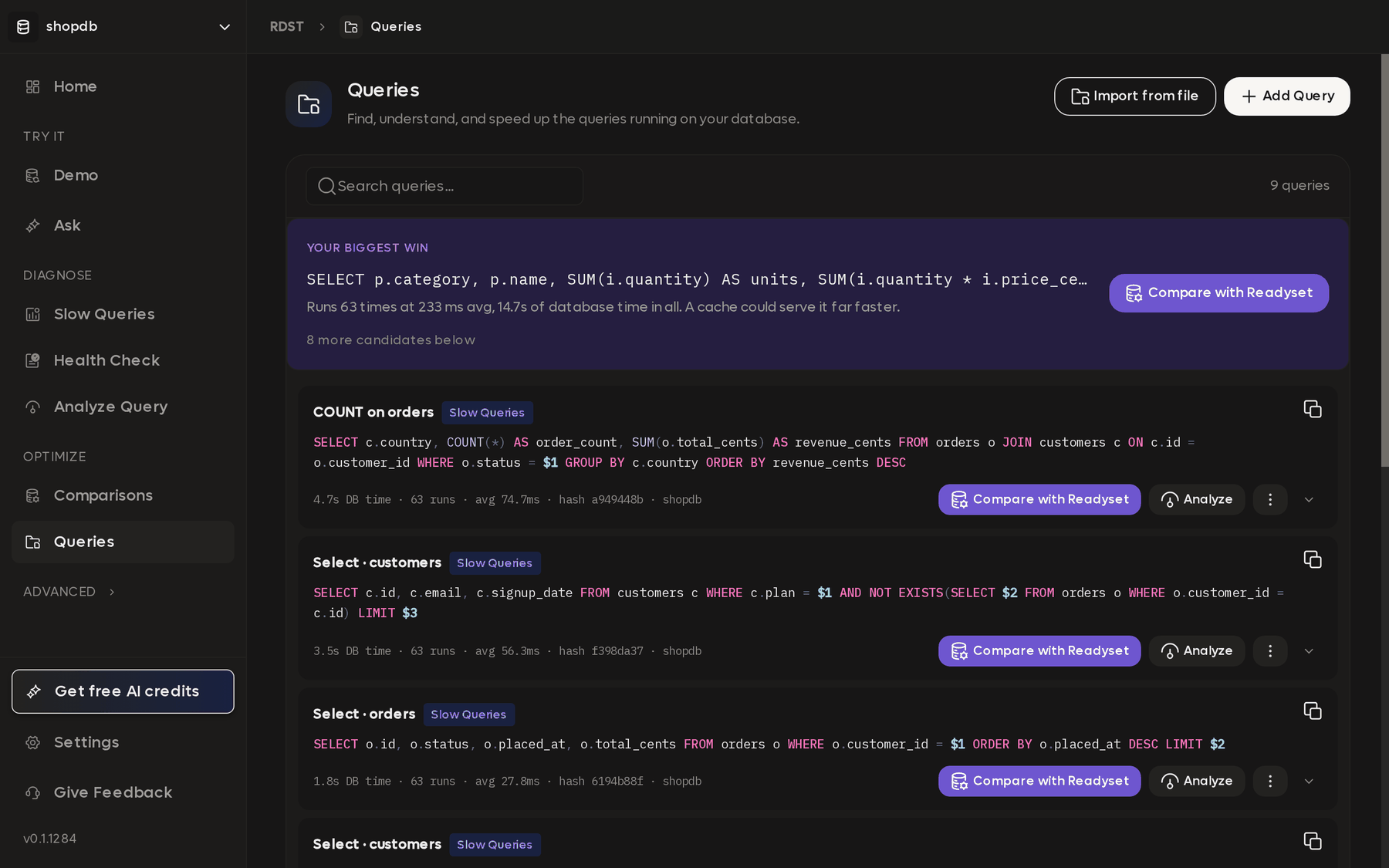
The registry of every query RDST has collected. Slow Queries, Health Check, and Ask all write here automatically, and anything in the list can be analyzed or compared against a Readyset cache.
Queries is the registry that the rest of the app writes into. Slow Queries adds what it ranks, a health check adds what it observed, and Ask adds the questions you asked. Over time it becomes a record of what your database actually runs.
That record outlives the statistics it came from. A restart, a failover, or
someone calling pg_stat_statements_reset() clears your database's own query
history, and anything already saved here is unaffected.
Where saved queries come from
| Source | When it writes here |
|---|---|
| Slow Queries | On every scan, automatically |
| Health Check | For every query observed during a run |
| Ask | When a question is answered |
| Analyze Query | When you analyze SQL you pasted in |
| Code Scan | When SQL is extracted from application code |
| Add Query and Import from file | When you add queries yourself |
Entries are deduplicated by query shape, so the same query arriving from two places updates a single row rather than creating a second one.
What each entry shows
A row carries the query text, where it came from, and what it has cost: total database time, how many times it ran, and the average.
At the top of the list, Your biggest win highlights whichever saved query is currently consuming the most database time. On a database you have not worked on before, that is a reasonable place to start.
Actions on a query
Analyze opens the full report for that query, covering its plan, cost, index recommendations, and possible rewrites. See Analyze Query.
Compare with Readyset runs the query against your database and against a cache and reports both numbers. See Comparisons.
Renaming entries
RDST labels queries by what they do, producing names like SUM on order_items,
and you can rename any of them.
Renaming is worth the effort for queries you expect to revisit. A registry of hashes is difficult to read months later, whereas names describing what each query is for make it obvious which ones still matter.
This is the registry the CLI uses as well. rdst query list shows the same
entries and rdst analyze --name <name> re-analyzes any of them. See
Core concepts.
Schema
The semantic layer is what RDST knows about your database beyond column names and types. Filling it in improves every answer Ask gives you from then on.
Comparisons
Run a query against your database and against a Readyset cache side by side, and see the difference in milliseconds rather than guessing at it.