Supabase, Neon, and DigitalOcean
Connect a managed Postgres or MySQL provider, find your projects, and pick the databases you want instead of copying connection strings by hand.
If your database is hosted by Supabase, Neon, or DigitalOcean, RDST can find your projects and fill in the connection details for you.
Open Settings, click Discover & import, and choose a provider.
Provider sign-in
Each provider asks for what it needs, and nothing more.
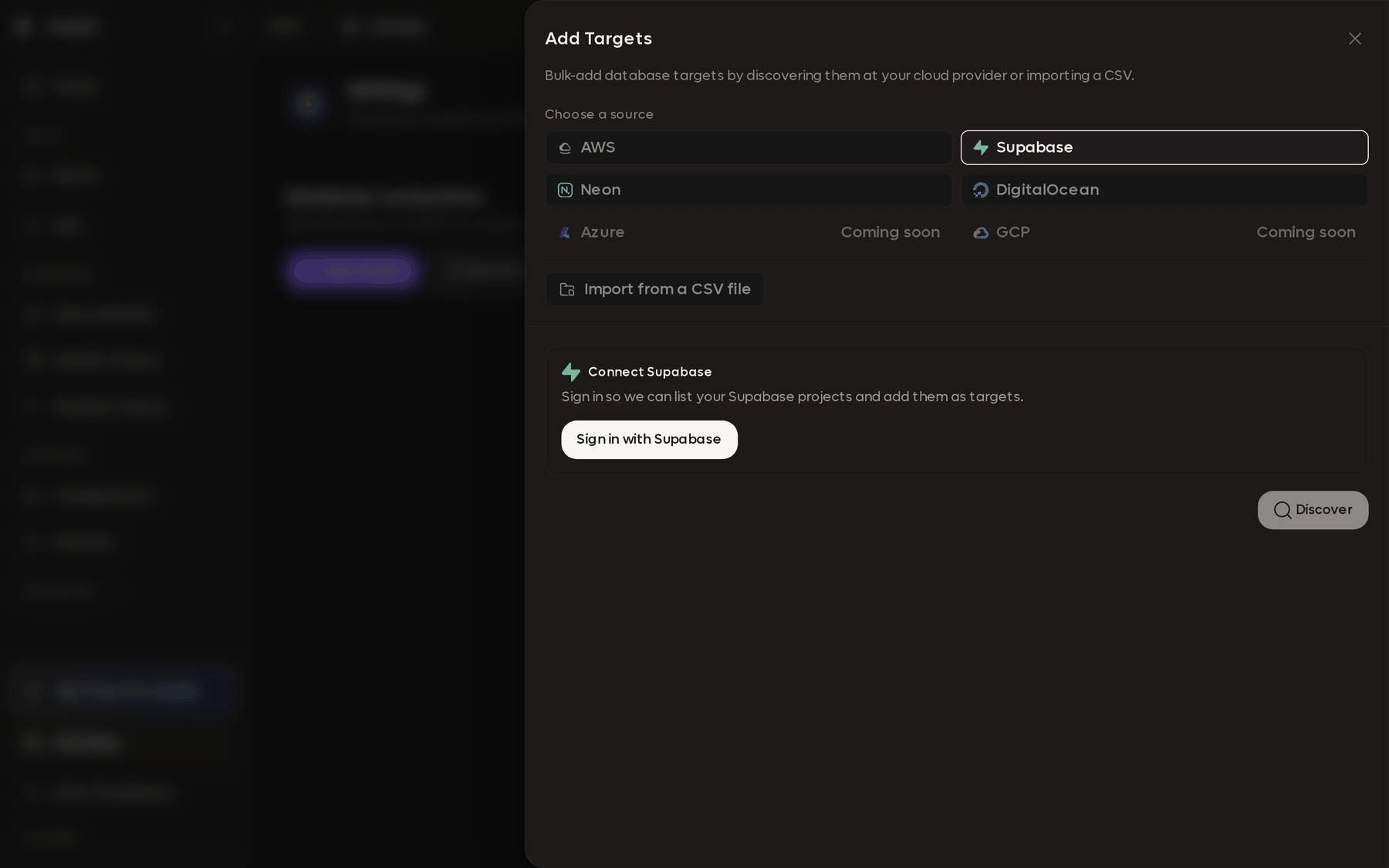
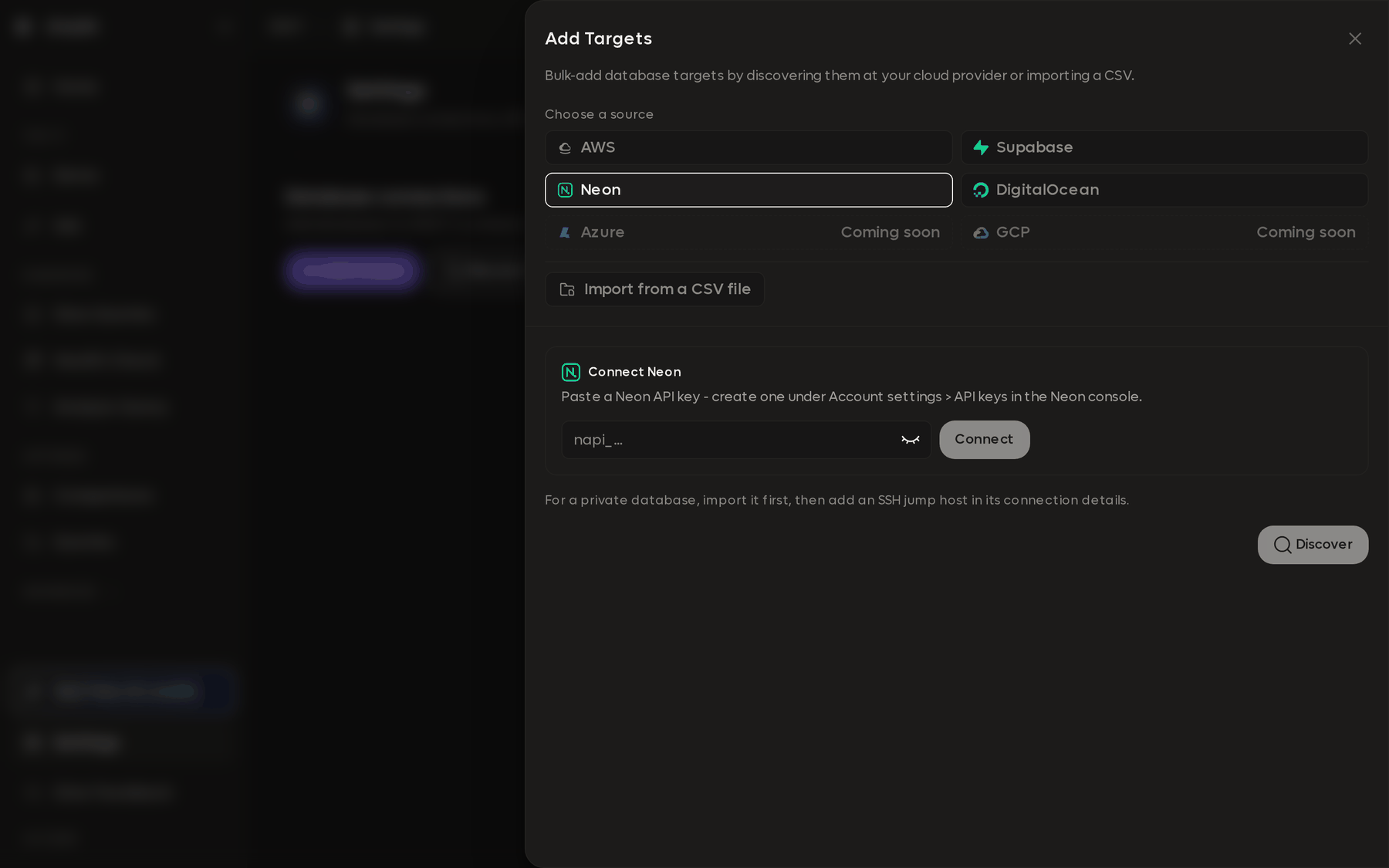
Supabase and DigitalOcean sign you in through your browser. Neon takes an API key instead.
| Provider | What it asks for |
|---|---|
| Neon | An API key, created under Account settings, API keys in the Neon console |
| Supabase | Authorization for one organization, through your browser |
| DigitalOcean | Sign-in through your browser |
| AWS | Nothing, if you already have working AWS CLI profiles. RDST uses your existing IAM Identity Center (SSO) login rather than any credential of its own. See Import from AWS |
Credentials are scoped to finding your projects. No provider exposes database passwords through its API, so RDST never receives them.
Selecting databases to import
Once connected, Discover finds your projects: Supabase projects, Neon projects and their branch endpoints, DigitalOcean managed Postgres and MySQL clusters.
Nothing is imported until you say so. You tick the databases you want and click Add, which means you can connect an account with fifty projects and take the three you actually care about. Import the rest later, or never.
After import
Two things RDST still needs from you.
The database password. RDST prompts the first time you use the target and stores it in your operating system keyring.
Permission to reach it. Managed providers commonly restrict connections to a list of allowed addresses. Where the provider's API supports it, RDST offers to add your current address and records that it did, so you can find and remove the entry later. Where it does not, RDST tells you which address to allow.
Supabase and Neon each hand out a direct endpoint and a pooled one. RDST prefers the pooler, because that is the endpoint reachable over IPv4 on most networks. If you specifically need the direct endpoint, edit the target's host after importing.
Private databases
A managed database that only accepts connections from inside its own network needs a route in, exactly like a private RDS instance. Import it first, then add an SSH jump host in its connection details.