← Back to blogMySQL
Introducing MySQL GTID Support and Zero-Downtime Failover in Readyset
One of the most requested features since Readyset first supported MySQL has been GTID-based replication. With the latest release, Readyset now fully supports MySQL Global Transaction Identifiers (GTIDs), and with it, a capability that changes how you think about cache durability: zero-downtime failover. This post covers what GTID support means for Readyset users, how failover works in practice, and why this matters for anyone running Readyset in production. The Problem with Binlog File and Po
Marcelo Altmann
2026-04-16 · 6 min read
One of the most requested features since Readyset first supported MySQL has been GTID-based replication. With the latest release, Readyset now fully supports MySQL Global Transaction Identifiers (GTIDs), and with it, a capability that changes how you think about cache durability: zero-downtime failover.
This post covers what GTID support means for Readyset users, how failover works in practice, and why this matters for anyone running Readyset in production.
The Problem with Binlog File and Position
MySQL's binary log is the backbone of replication and Change Data Capture. Every tool that reads the binlog like replicas, CDC pipelines, Readyset, needs to track where it left off so it can resume after a restart or disconnection.
Historically, that position was tracked as a file name and offset: binlog.000003:154. This works, but it has a fundamental limitation: binlog file names and positions are local to each MySQL server. A position like binlog.000003:154 on your primary means nothing on a replica or a newly promoted standby. The files are different, the offsets are different.
This created a real operational problem. If your primary fails and you promote a replica, every consumer of the binlog including Readyset, needs to figure out the equivalent position on the new server. For traditional MySQL replicas, tools like Orchestrator or MHA handle this translation. For a CDC tool like Readyset, it meant either manual intervention or a full resnapshot.
Enter GTIDs
MySQL Global Transaction Identifiers solve this by assigning each transaction a globally unique ID: a combination of the server's UUID and a monotonically increasing sequence number (e.g., 3E11FA47-71CA-11E1-9E33-C80AA9429562:1-150). These identifiers are consistent across every server in a replication topology. Transaction 42 on the primary is transaction 42 on every replica.
This means that when Readyset tracks its replication position as a GTID set, it can connect to any server in the topology and say "give me everything after these transactions." No file name translation. No position guessing. It just works.
GTID Support in Readyset
Readyset now supports GTID-based replication for MySQL. To enable it, start Readyset with the --require-gtid flag:
readyset --upstream-db-url mysql://user:pass@primary:3306/mydb --cache-mode=deep --require-gtid
When --require-gtid is set, Readyset uses the COM_BINLOG_DUMP_GTID protocol to request binlog events, tracks its position as a GTID set, and advertises its applied transactions using standard MySQL GTID protocol. This includes support for tagged GTIDs introduced in MySQL 8.4.
You can check the current replication position at any time:
SHOW READYSET STATUS;
The Minimum Replication Offset and Maximum Replication Offset fields now display the GTID set when running in GTID mode.
Crash Recovery
One of the more subtle challenges with GTID replication is crash recovery. MySQL transactions are atomic, but Readyset processes binlog events individually. If Readyset crashes mid-transaction--say, after applying 3 out of 5 row events--it needs to resume without duplicating or losing data.
Readyset handles this by tracking an internal event counter within each GTID transaction. On reconnect, it advertises only its fully committed GTIDs to MySQL, which causes MySQL to resend the incomplete transaction from the beginning. Readyset then skips the events it already applied (using the persisted counter) and resumes from exactly where it left off.
This is completely transparent. No manual intervention, no data corruption, no full resnapshot.
Zero-Downtime Failover
GTID support is valuable on its own, but the real payoff is what it enables: failover without restart.
Readyset is an in-memory cache. A restart means losing the entire cached state--every materialized view, every query result--and rebuilding from scratch via a full snapshot. Depending on your dataset size, that can take minutes to hours. During that time, all queries fall through to your upstream database, which is exactly the scenario you deployed Readyset to avoid.
With the new failover commands, you can redirect Readyset to a new upstream source while it keeps running. The in-memory cache is preserved. Cached queries continue to be served. Once replication catches up from the new source, you're back to full operation--without a single query hitting your database unprotected.
How It Works
Let's assume we have the following replication topology:
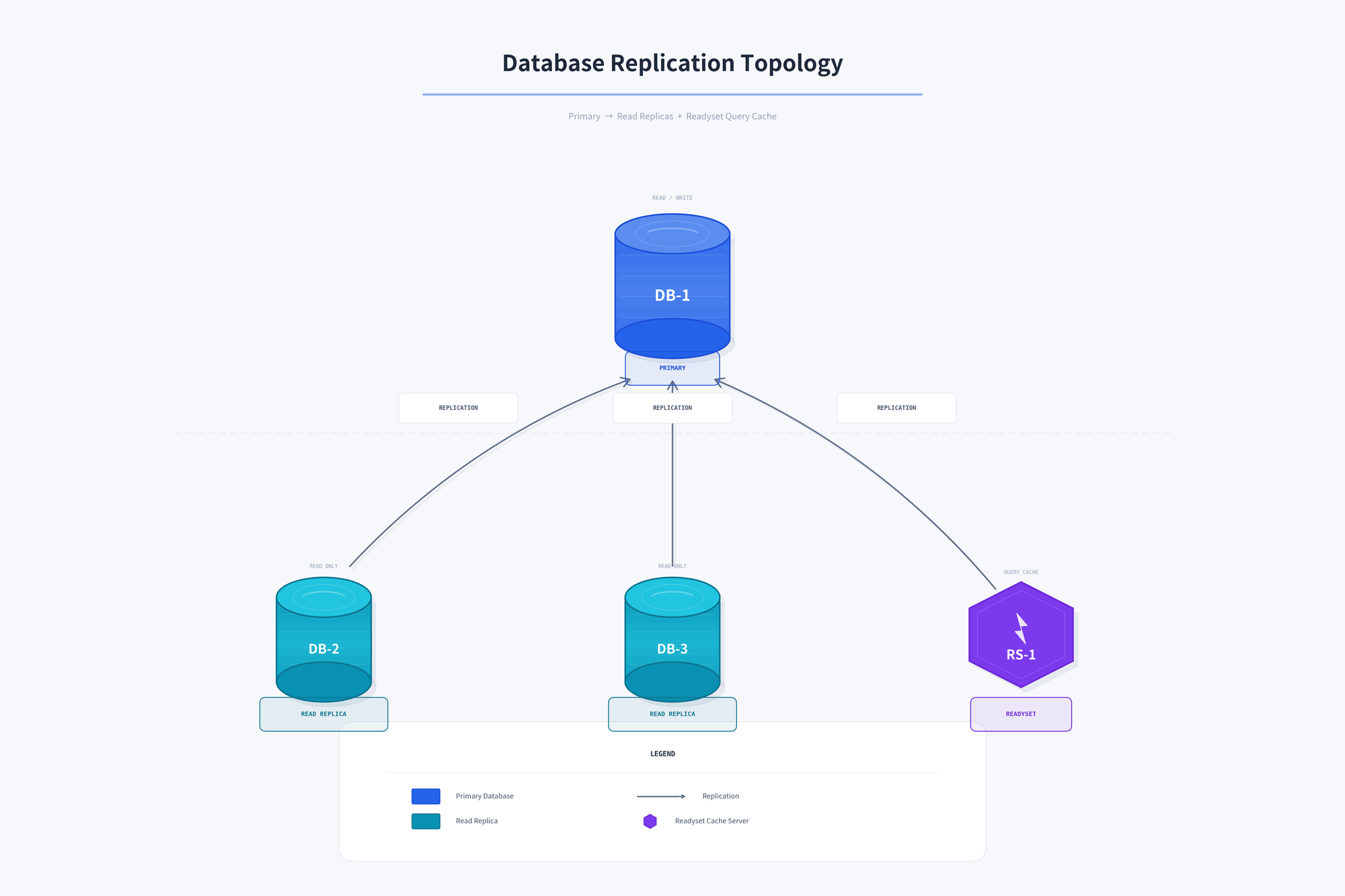
Readyset and all read replicas are replicating from DB-1 (Primary). When it goes down, we need to promote one of the read replicas to become the new primary (DB-2) and repoint the remaining replicas and Readyset to the new primary:
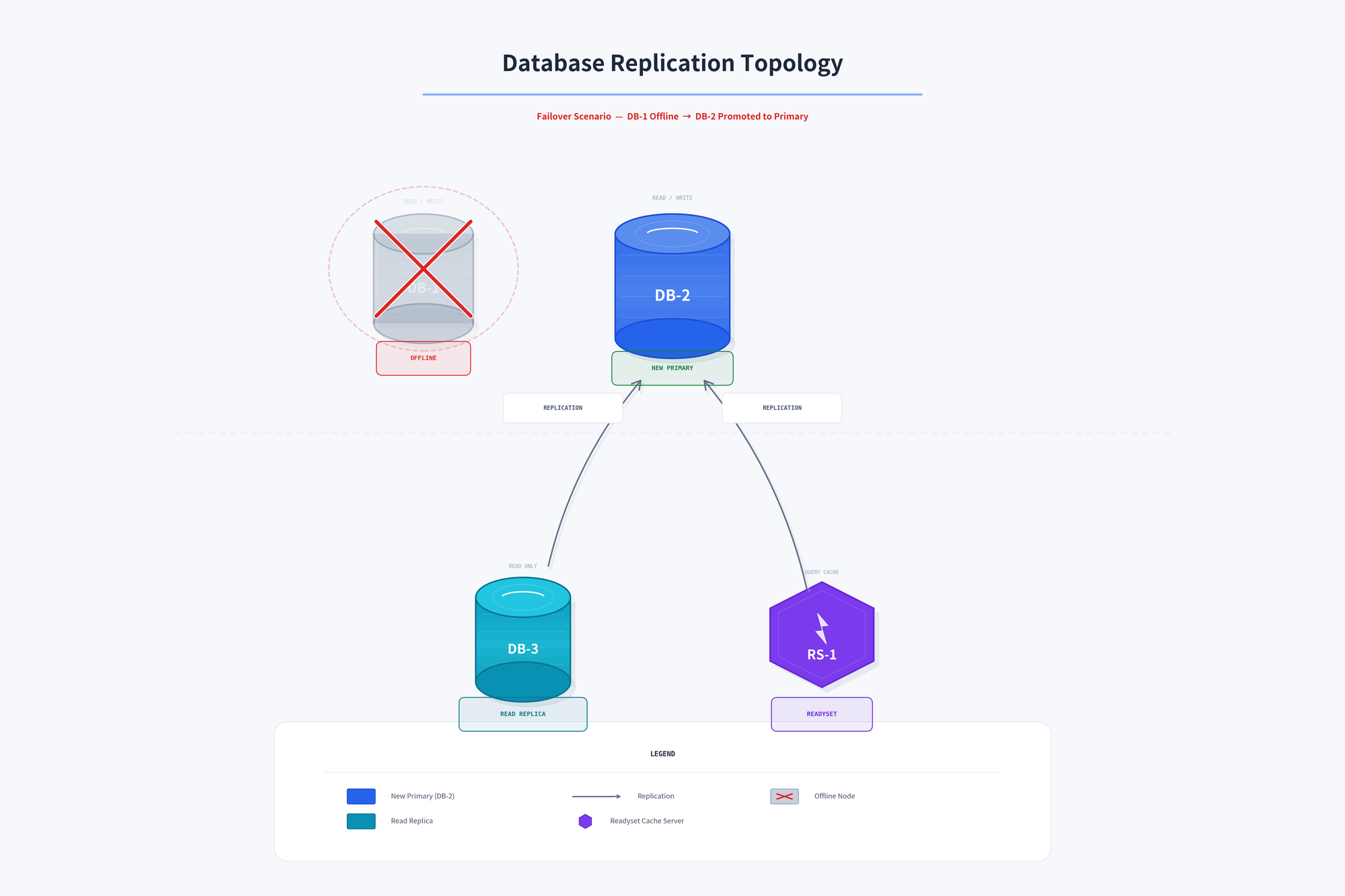
The failover procedure is a sequence of SQL commands executed against Readyset:
Step 1: Enter maintenance mode (optional, recommended)
If you're running multiple Readyset instances behind a proxy that is Readyset-aware (such as ProxySQL), enter maintenance mode first:
ALTER READYSET ENTER MAINTENANCE MODE;
This signals the proxy to gracefully drain traffic from this instance and redirect it to other Readyset instances or directly to the upstream database. This ensures no queries are served from a stale cache during the failover window.
Step 2: Stop replication
ALTER READYSET STOP REPLICATION;
This gracefully stops the CDC stream. Readyset continues serving cached data from its current state.
Step 3: Point Readyset at the new primary
ALTER READYSET CHANGE CDC TO 'mysql://user:pass@new-primary:3306/mydb';
This updates the CDC connection URL without affecting the query-serving path or the upstream connection used for proxied queries.
Step 4: Resume replication
ALTER READYSET START REPLICATION;
Readyset connects to the new primary and resumes from the last GTID it processed. As long as the new primary has the same GTID history (which it will, if it was a replica of the old primary), replication continues seamlessly.
Step 5: Exit maintenance mode
Once replication has caught up (verify with SHOW READYSET STATUS), re-enable traffic:
ALTER READYSET EXIT MAINTENANCE MODE;
The proxy begins routing queries back to this instance. Cache is intact, data is current, and from the application's perspective, nothing happened.
Binlog File and Position Failover
Even without GTID mode, failover is now possible--though it requires an additional step to translate the replication position. After stopping replication, check the current position:
SHOW READYSET STATUS;
Then set the equivalent position on the new server:
ALTER READYSET SET REPLICATION POSITION 'binlog.000001:4587';
You can also use this command to switch from binlog file/position to GTID replication during failover, if the new primary has gtid_mode=ON:
ALTER READYSET SET REPLICATION POSITION '3E11FA47-71CA-11E1-9E33-C80AA9429562:1-150';
PostgreSQL Failover
The failover commands also work with PostgreSQL. Since PostgreSQL logical replication slots are local to the primary, Readyset automatically detects the missing slot on the new server, creates a new one, and performs a resnapshot. The process is the same commands, and while the resnapshot is required, the commands themselves keep you from needing to restart the process.
Why This Matters for Production
If you're running Readyset in front of a production MySQL database, failover is not a matter of "if" but "when." Planned maintenance, unexpected failures, cloud provider hiccups--any of these can require switching to a new primary.
Before this release, that meant restarting Readyset and waiting for it to rebuild its cache. Now, you can script the failover commands into your existing failover automation (Orchestrator, ProxySQL, custom scripts) and Readyset follows the topology change like any other replica would.
For setups with multiple Readyset instances behind a proxy, maintenance mode ensures the failover is completely transparent to your application. The proxy handles traffic routing while each Readyset instance is updated in turn--a rolling failover with zero disruption.
The combination of GTID support and failover commands means Readyset is now a first-class participant in your MySQL high availability topology, not a side component that needs special handling when things go wrong.
Getting Started
GTID support and failover commands are available now. To get started:
- Ensure your MySQL server has
gtid_mode=ONandenforce_gtid_consistency=ON - Start Readyset with
--require-gtid - That's it--Readyset handles the rest
For detailed command reference and failover procedures, see the Failover documentation and Command Reference.
Related articles
Continue reading more about mysql.
MySQLMarcelo Altmann
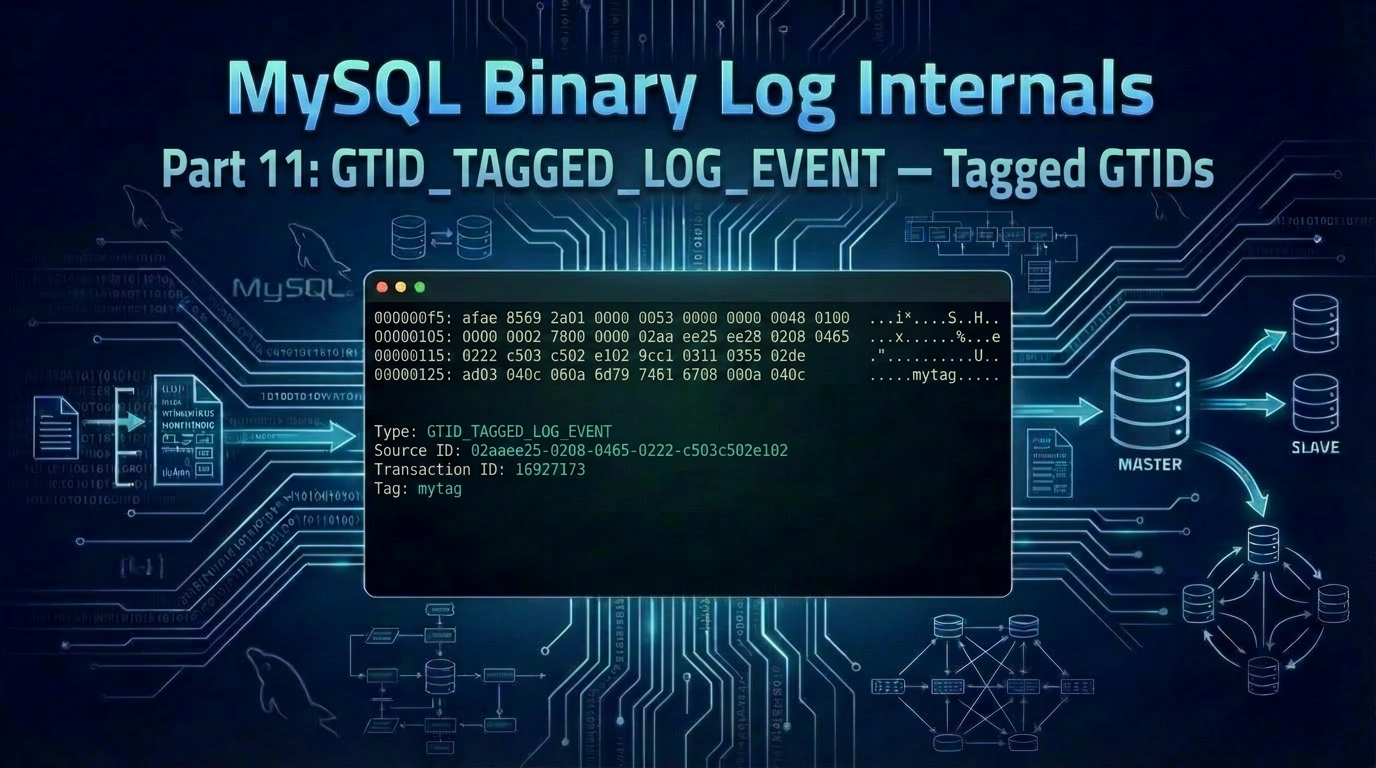
Replication Internals: Decoding the MySQL Binary Log Part 11: GTID_TAGGED_LOG_EVENT — Tagged GTIDs and MySQL's New Serialization Framework
In this eleventh and final post of our series, we decode the GTID_TAGGED_LOG_EVENT — the event MySQL 8.4 introduced to carry user-defined tags alongside the classic UUID and GNO, and along the way meet the new mysql::serialization framework that encodes it. Introduction Back in Part 5 we deferred one event: the GTID_TAGGED_LOG_EVENT (event type 42, 0x2a). It was introduced in MySQL 8.4 to support tagged GTIDs, which extend the classic UUID:GNO form with an optional user-defined label: 557789
Marcelo Altmann2026-05-1321 min read
MySQLMarcelo Altmann
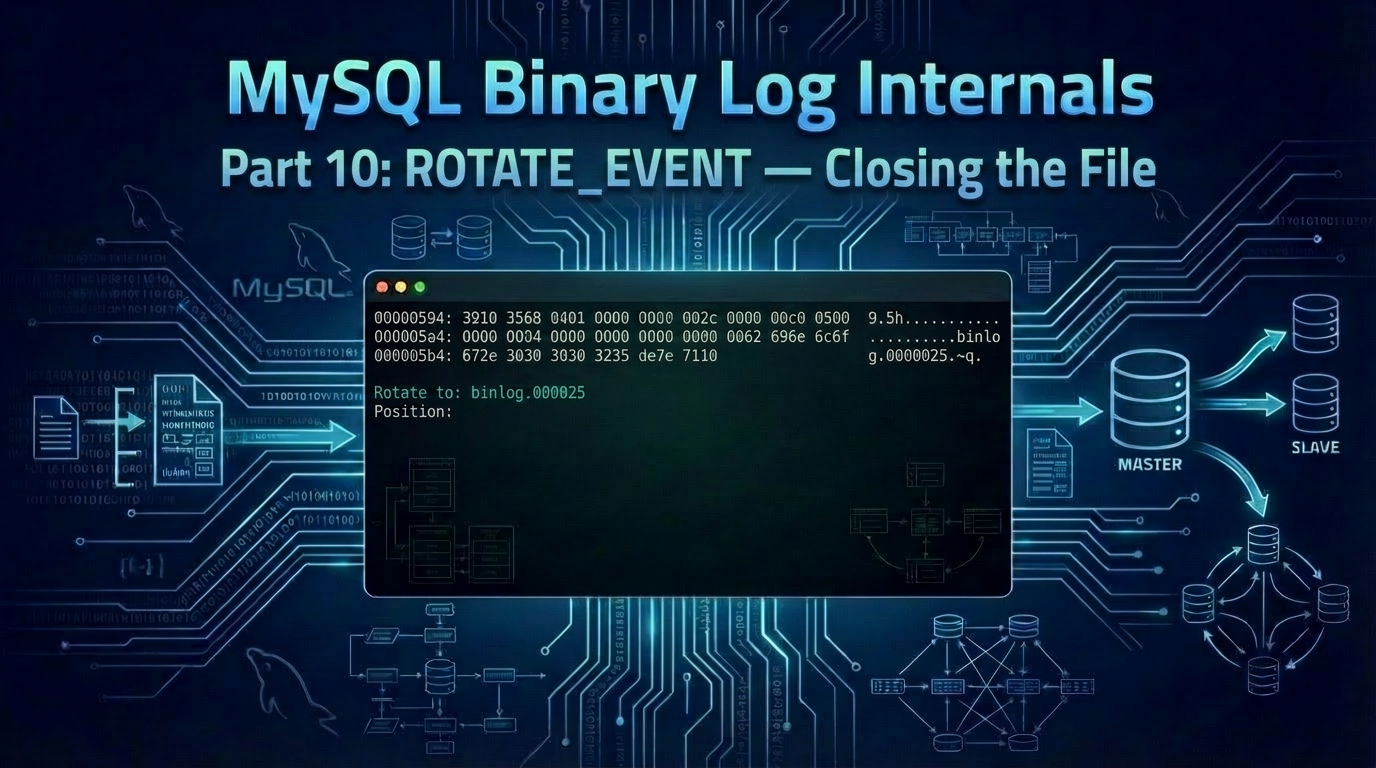
Replication Internals: Decoding the MySQL Binary Log Part 10: ROTATE_EVENT — Closing the File and Pointing at the Next One
In this tenth post of our series, we decode the ROTATE_EVENT — the event that closes a binary log file and tells every reader, replica or local, where to look next. Introduction The ROTATE_EVENT (event type 4, 0x04) is the bookmark MySQL leaves at the end of a binary log file. It carries two pieces of information: The name of the binary log file to read next. The starting position within that next file (always 4, the byte right after the 4-byte magic number from Part 2). Together thos
Marcelo Altmann2026-05-0610 min read
MySQLMarcelo Altmann
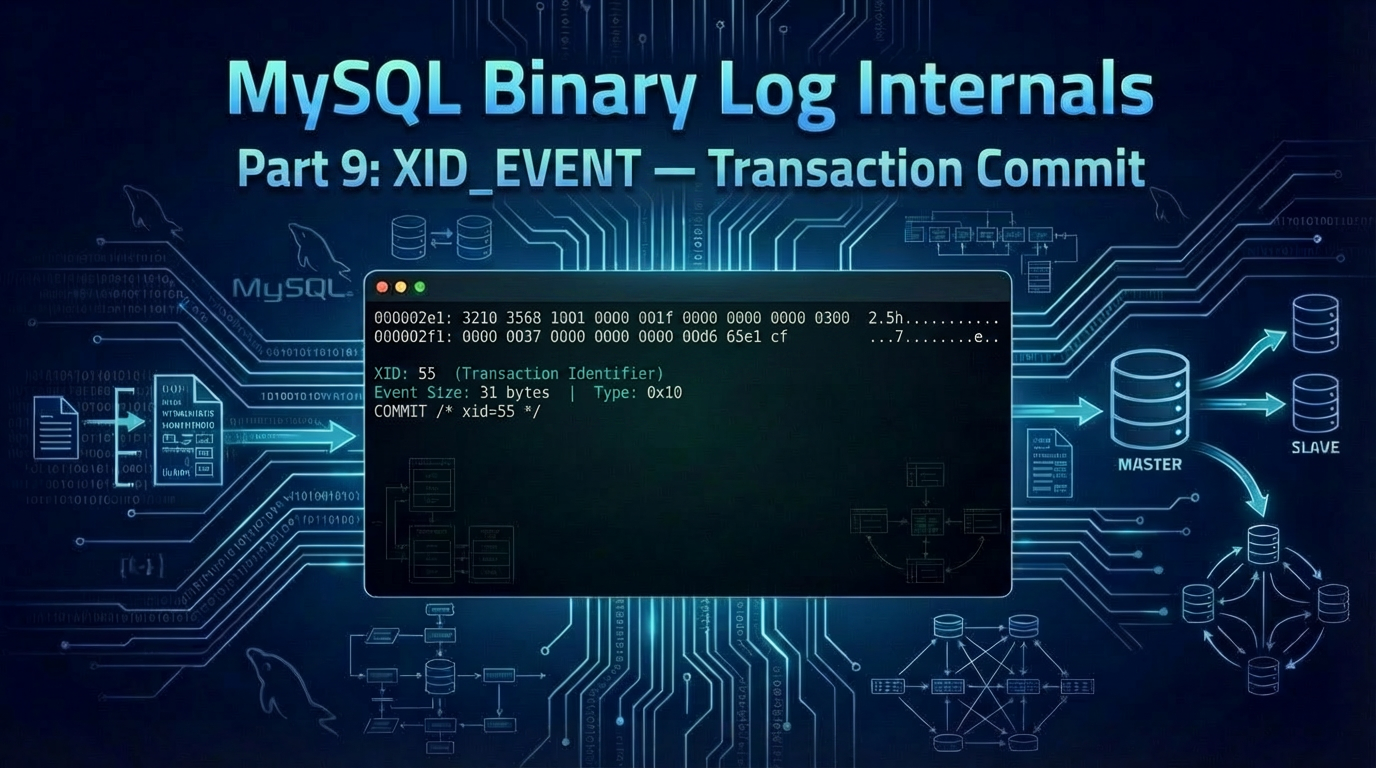
Replication Internals: Decoding the MySQL Binary Log Part 9: XID_EVENT — Transaction Commit
In this ninth post of our series, we decode the XID_EVENT — the smallest event in the binary log, and the one that marks every transactional commit. Introduction Every DML transaction we've decoded so far ends the same way: with an XID_EVENT (event type 16, 0x10). At only 31 bytes on the wire, it carries a single piece of information — an 8-byte transaction identifier — but it does some of the heaviest lifting in MySQL replication. The XID_EVENT is what allows replication to be crash-safe wit
Marcelo Altmann2026-04-2912 min read